Documentation Index

Fetch the complete documentation index at: https://docs.blink.cash/llms.txt

Use this file to discover all available pages before exploring further.

How can I set this up for my deposits?

Setting up Blink takes less than a minute, and happens right inside the app you want to deposit into. Steps:
  1. Secure your Blink spending account with a passkey. Save it to iCloud Keychain or Google Password Manager so you can access it across all your devices.
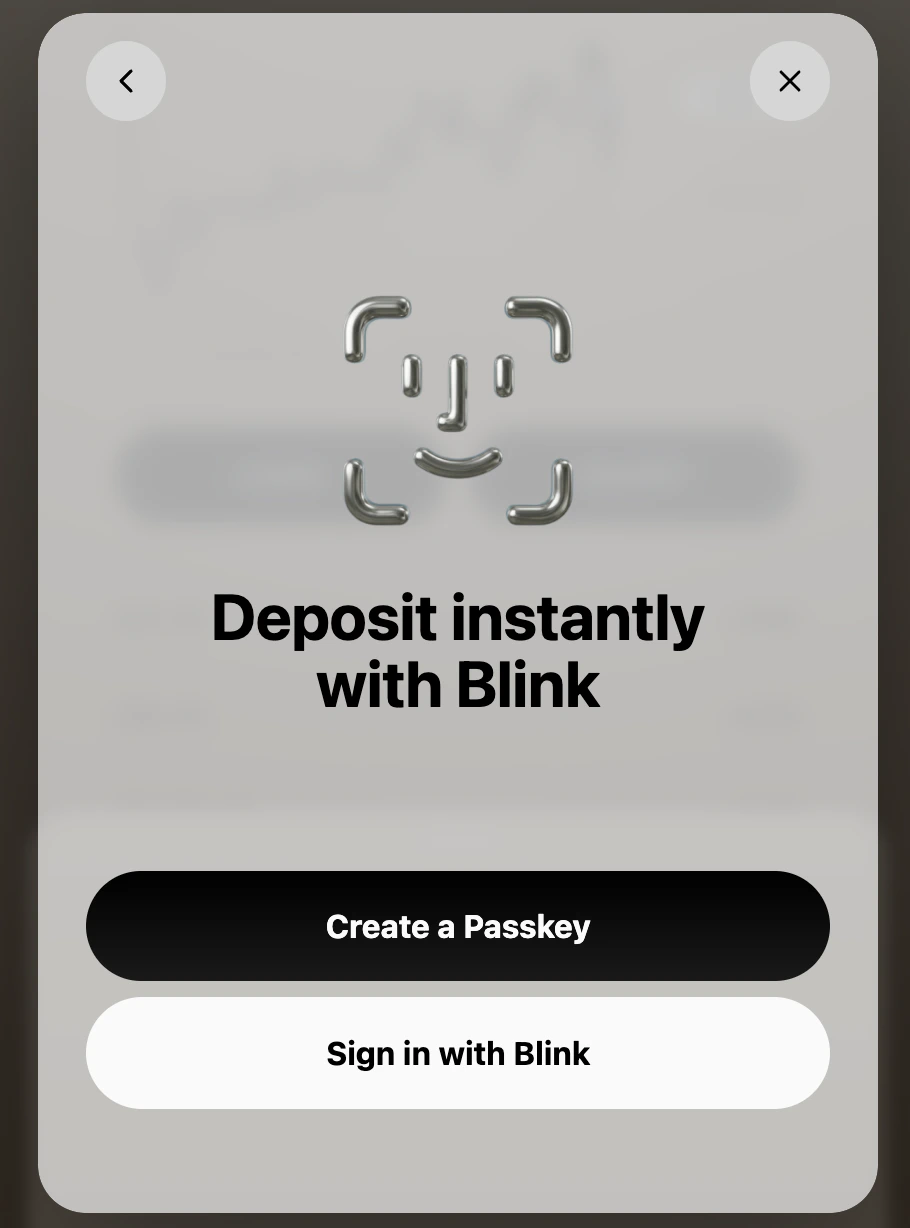
Passkey Setup
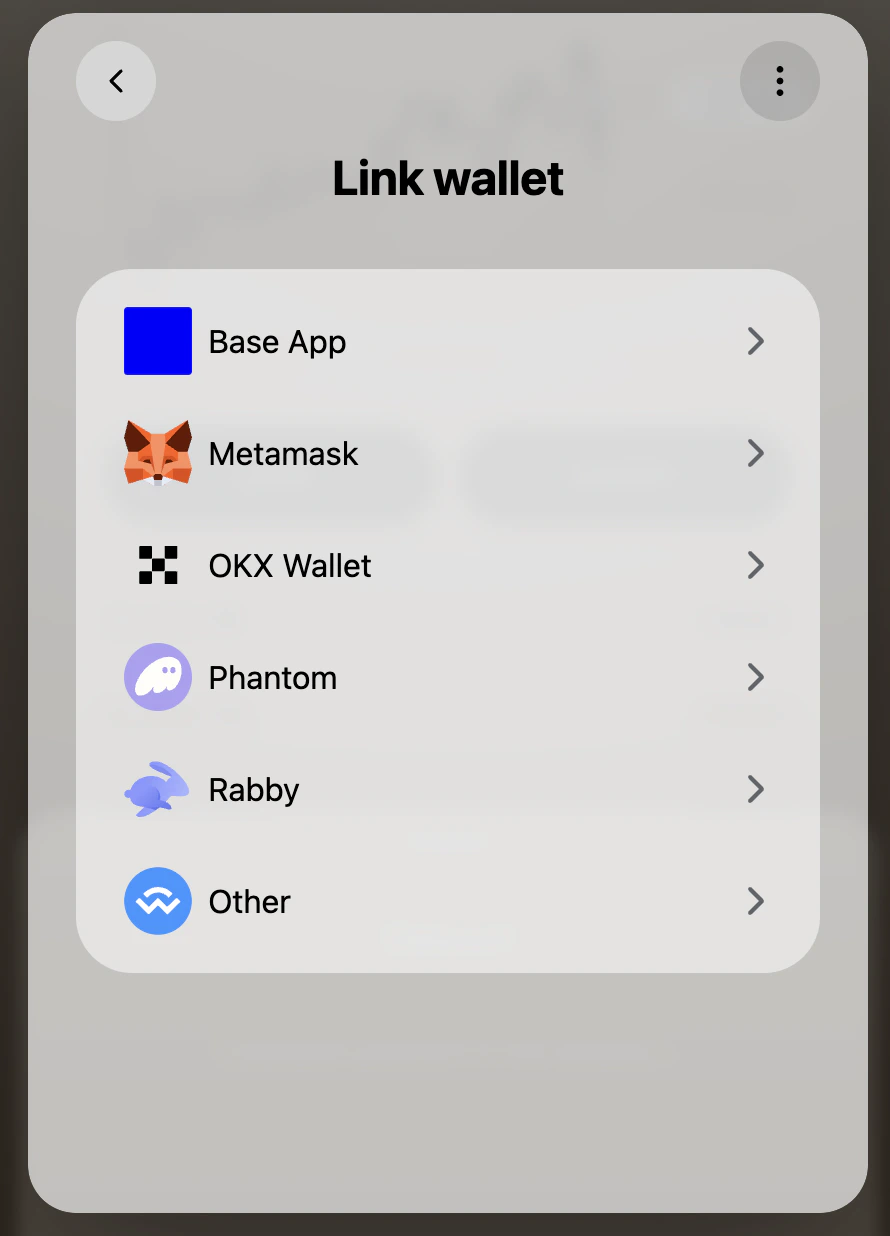
2. Link to your existing wallet. MetaMask, Phantom, Rabby, or wherever you hold your funds.
Wallet Setup
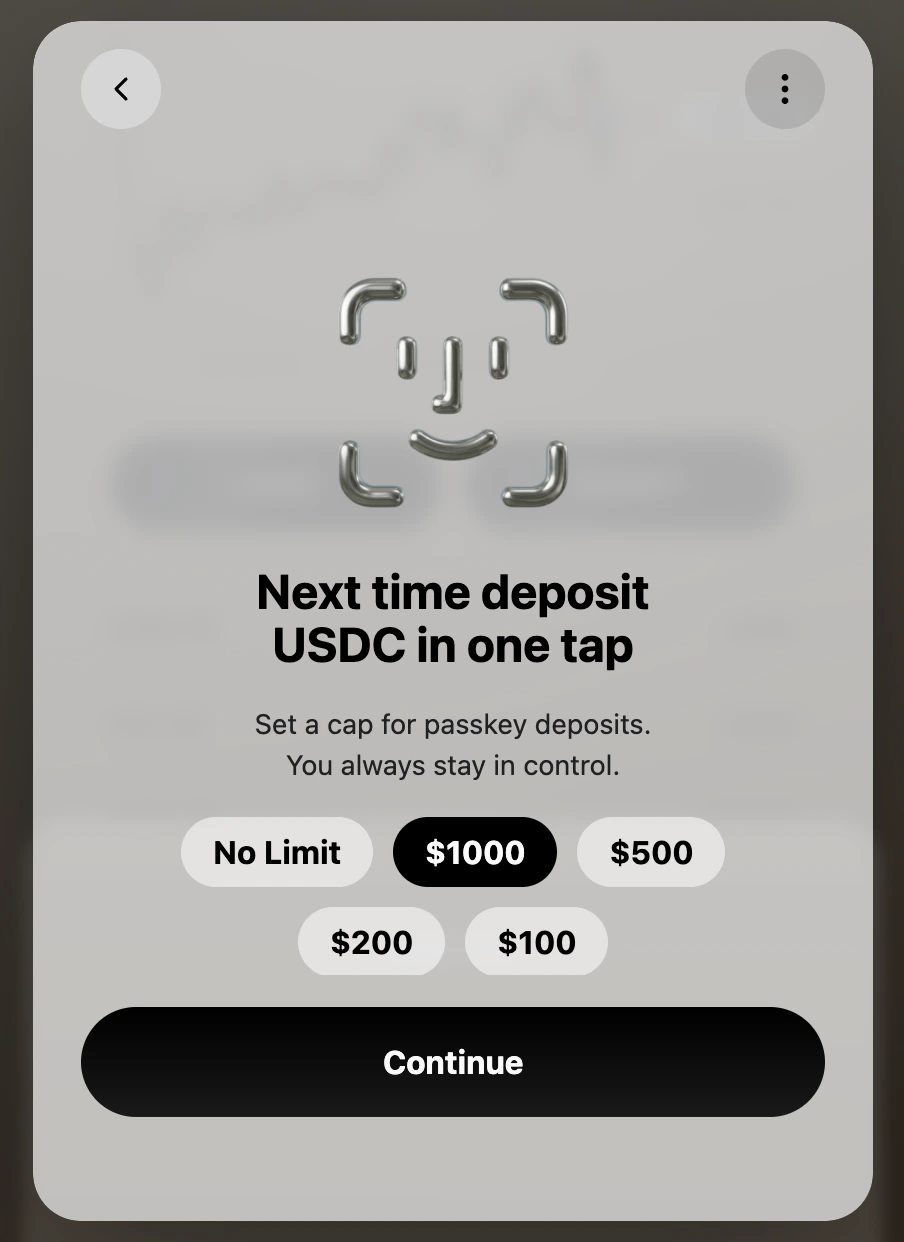
3. Approve a spending limit. This is the total amount your passkey can move across all apps where Blink is supported.
Allowance Setup
That’s it. You’re set up.

After setup, how do deposits work?

Whenever you want to deposit, present your passkey, confirm the amount, and you’re done. You wont need to open your wallet and think through tokens, chains, and gas.
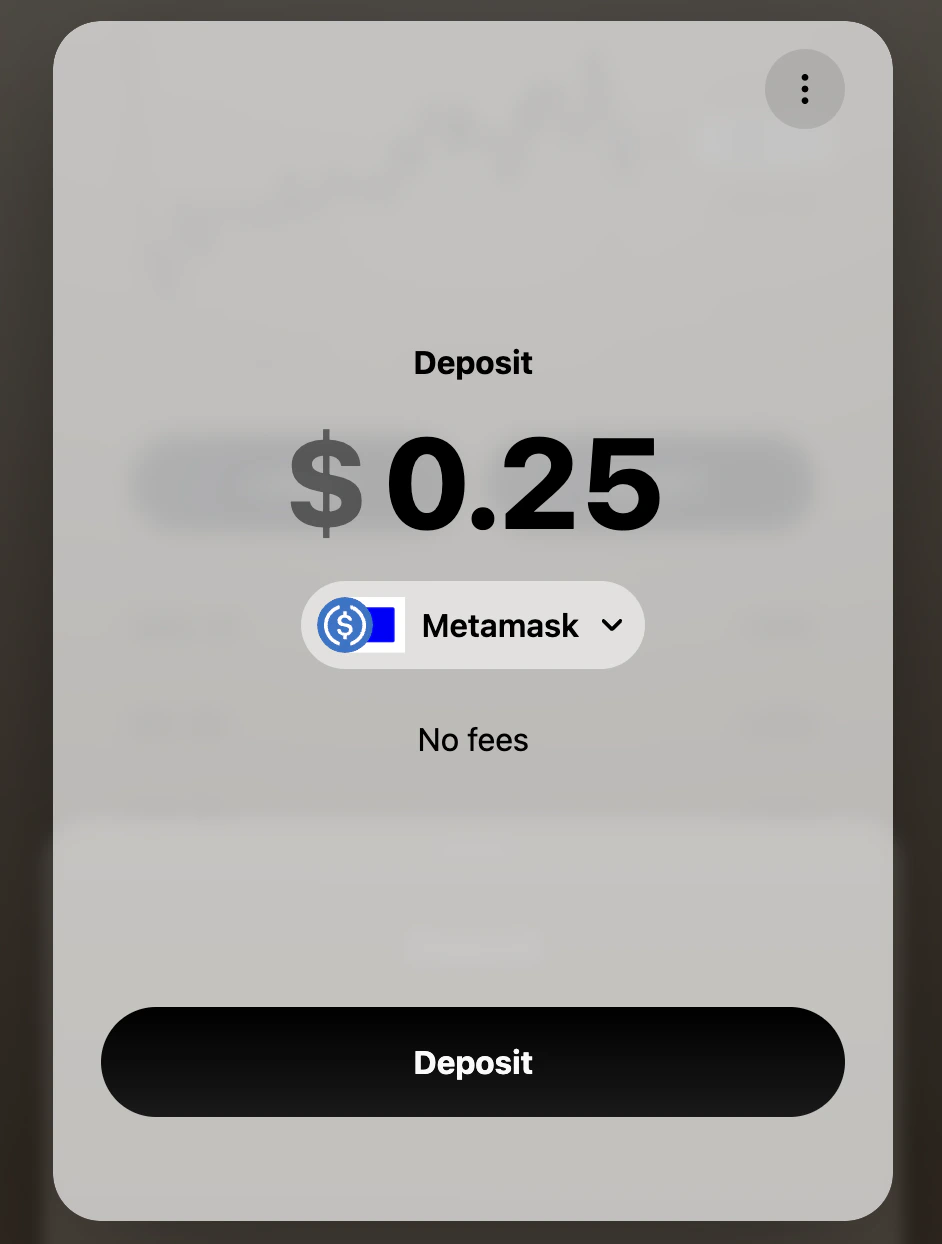
Screenshot 2026 05 19 At 10 42 13 AM
Once you confirm the amount and present your passkey, the funds move from your wallet and are routed into the app you want to deposit into.